
E-Commerce Business Registration in Nepal: 2026 Guide
Nepzio team ·
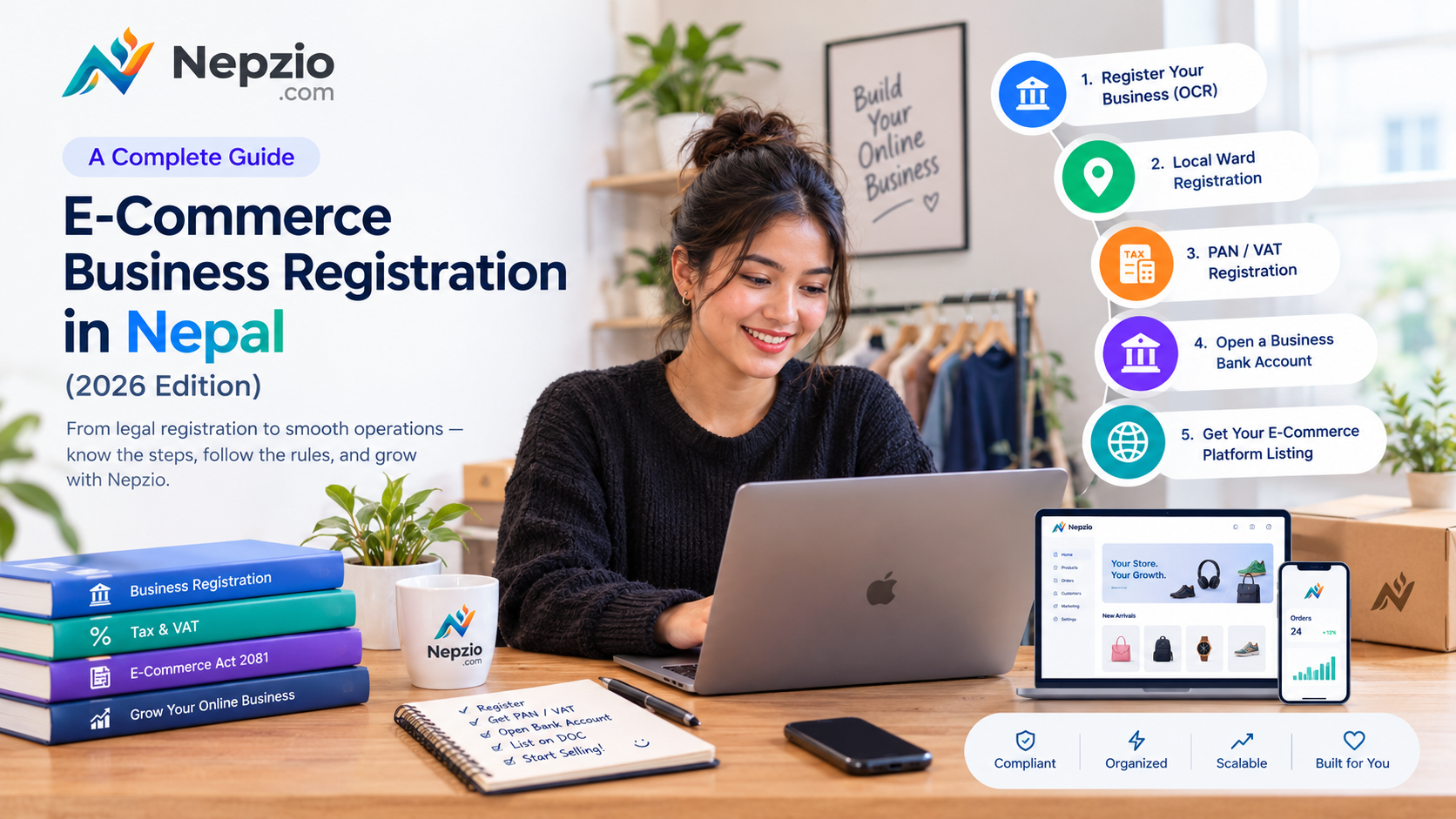
Starting an online business is easier than ever. You can showcase products on Instagram, receive orders through Facebook Messenger, sell through Daraz, or launch your own e-commerce website without investing in a physical retail store.
But as your business grows, an important question comes up:
Is your online business legally registered and ready to operate?
In Nepal, operating an online business involves more than creating a social media page and accepting customer orders. You need to understand business registration, tax obligations, local requirements, and the legal responsibilities introduced by the Electronic Commerce Act, 2081.
Whether you are starting a fashion boutique, an electronics store, a grocery business, or an online marketplace, understanding these requirements early can help you avoid unnecessary complications later.
This guide explains the major steps involved in establishing an e-commerce business in Nepal, the key provisions of the Electronic Commerce Act, and how technology like Nepzio can help you manage your growing business.
Note: This article is for general educational purposes, based on information available in October 2026. Registration procedures, local requirements, and tax obligations can vary depending on your business structure and activities. Consult a qualified accountant, tax professional, or legal advisor before making registration decisions.
Part 1: Understanding the E-Commerce Business Landscape in Nepal
Before starting the registration process, it is important to understand what type of online business you intend to operate.
Generally, online businesses fall into a few categories:
1. Social Media-Based Sellers
Businesses that receive orders through Facebook, Instagram, WhatsApp, TikTok, or other social platforms.
2. Independent Online Stores
Businesses that sell their own products or services through a dedicated website or mobile application.
3. Online Marketplaces
Platforms that connect multiple independent sellers with customers and facilitate transactions between them.
4. Omnichannel Retail Businesses
Traditional retailers that sell through physical stores, social media, marketplaces, and their own e-commerce websites.
The Electronic Commerce Act, 2081 recognizes different business models, including list-based e-commerce businesses and intermediary business entities. Their responsibilities are not necessarily identical.
Understanding which category applies to your business is an important first step.
Part 2: The 5 Major Steps to Register Your E-Commerce Business
Step 1: Register Your Business
The first step is establishing a legally recognized business entity.
For entrepreneurs planning to build a scalable e-commerce business, a Private Limited Company (Pvt. Ltd.) is one option.
In Nepal, company registration is handled by the Office of the Company Registrar (OCR).
You will generally need:
A proposed and approved company name.
Memorandum of Association (MOA).
Articles of Association (AOA).
Citizenship documents and identification details of the promoters.
Registered office address.
Details of the company's objectives and authorized capital.
Your company objectives should adequately cover the activities you intend to undertake, such as online retail, e-commerce, software services, trading, or other relevant commercial activities.
Private Limited Company Registration Fees
OCR registration fees depend on the company's authorized capital.
Authorized capitalRegistration feeUp to NPR 1 lakhNPR 1,000NPR 1 lakh–5 lakhNPR 4,500NPR 5 lakh–25 lakhNPR 9,500NPR 25 lakh–1 croreNPR 16,000
Additional government charges and professional service fees may apply depending on the registration process.
Official website: https://ocr.gov.np/
Important: A Private Limited Company is not the only way to establish a business. Depending on your scale and business model, a registered private firm, partnership, or other legally permitted structure may also be appropriate.
Step 2: Complete Local Business Registration
After establishing your business, check the applicable registration and licensing requirements with your local municipality or ward office.
Local governments may require business registration, a business operating license, or other documentation depending on the nature and location of your business.
Commonly requested documents may include:
Company or firm registration certificate.
PAN registration certificate, where applicable.
Citizenship documents.
Registered office address details.
Rental agreement or property ownership documents.
Landlord's identification and property tax documents, where applicable.
Requirements, fees, and renewal periods can differ between municipalities.
If you operate from a rented office or residential property, confirm the local requirements for using that address as your business premises.
Tip: Contact your local ward or municipality before submitting your application. This can save you unnecessary visits and paperwork.
Step 3: Obtain PAN and Understand VAT Requirements
Tax registration is an essential part of operating a legitimate business.
You should obtain a Permanent Account Number (PAN) from the Inland Revenue Department (IRD).
Depending on your business activities and taxable turnover, you may also need VAT registration.
VAT Registration Thresholds in Nepal
For ordinary taxable transactions under the current VAT Rules, the principal turnover thresholds for FY 2083/84 are:
Business activityGeneral turnover thresholdTaxable goodsNPR 50 lakhOther ordinary taxable servicesNPR 30 lakhMixed taxable goods and servicesNPR 30 lakh
These thresholds generally relate to taxable turnover over the relevant preceding 12-month period.
There are also specific categories, exemptions, and circumstances where VAT registration may be required independently of these ordinary thresholds.
For example, businesses should not automatically assume that adding a delivery charge makes every retail transaction a mixed goods-and-services business. The actual nature and classification of the supply matter.
What should online business owners do?
Maintain accurate sales and purchase records.
Monitor your taxable turnover regularly.
Understand whether your products or services are VAT-taxable or exempt.
Issue appropriate invoices.
Consult a tax professional when approaching the registration threshold.
Official reference: https://ird.gov.np/
Step 4: Open a Business Bank Account
A dedicated business bank account helps separate personal and business transactions.
For a registered company, approach a commercial bank with the required corporate documents.
Depending on the bank, you may be asked for:
Company registration certificate.
PAN certificate.
Memorandum and Articles of Association.
Board resolution authorizing account opening.
Identification documents of directors and authorized signatories.
Registered office address documentation.
A business bank account also helps when applying for merchant payment facilities.
You can explore payment integrations such as:
eSewa
Khalti
Fonepay
Card payment gateways
Other supported payment providers
Payment gateway onboarding, documentation, settlement arrangements, and charges depend on the respective provider.
Tip: Use official merchant accounts and maintain transaction records rather than relying entirely on personal wallets or bank accounts.
Step 5: Complete Your E-Commerce Platform Listing
This is an important step that many online business owners overlook.
Nepal introduced the Electronic Commerce Act, 2081 to regulate, systematize, and improve the credibility of online commercial transactions.
Under Section 5, applicable e-commerce business entities must apply for listing through the electronic commerce portal established by the Department of Commerce, Supplies and Consumer Protection.
The application generally requires information such as:
Business name and address.
Registration authority and registration number.
Details of the proprietor, partners, or company directors, as applicable.
Description of the business.
PAN or VAT registration number.
Contact information.
Branch or outlet details, if applicable.
Other information requested by the portal.
How long does the listing process take?
Section 5(3) of the Act provides that the Department shall communicate the platform listing number within seven days of receiving the application.
The official Department of Commerce, Supplies and Consumer Protection website provides access to the relevant legal information and notices.
Website: https://doc.gov.np/
You can also check the Department's electronic commerce listing portal and follow its current application instructions.
Once listed, display the listing number and other required business details on your electronic platform.
Part 3: Important Requirements Under Nepal's Electronic Commerce Act, 2081
Registering your business is only the beginning. Running an online business also means understanding your responsibilities towards customers.
Here are some important provisions that e-commerce entrepreneurs should understand.
1. Display Your Business Information Clearly
Section 4 of the Electronic Commerce Act requires applicable business entities to disclose important business information on their electronic platforms.
This includes:
Electronic platform name.
Registered business name.
Business address and registration authority.
Business registration certificate number.
Registered office and branch details, where applicable.
PAN or VAT registration number.
Business contact information.
Customer service contact information.
Customer grievance-handling contact information.
Electronic commerce platform listing number.
The information must be complete, clear, and easily accessible to consumers.
Important: If any information disclosed under Section 4(2) changes, it must be updated on the electronic platform within 48 hours.
2. Provide Accurate Product and Service Information
Section 6 outlines the information that businesses must disclose about products and services offered through electronic commerce.
This includes:
Product name and description.
Product images and specifications.
Final selling price, including applicable taxes.
Delivery or additional charges.
Payment methods.
Delivery date or estimated delivery period.
Warranty and guarantee information.
Manufacturer or service provider information.
Return and cancellation conditions.
Customer grievance and feedback mechanisms.
Avoid misleading product descriptions, inaccurate photographs, and hidden charges.
Customers should know what they are purchasing before completing an order.
3. Establish Clear Return, Exchange, and Refund Policies
Customer trust is essential for a successful online business.
Section 7 requires relevant contractual terms to address delivery, cancellation, return, exchange, warranty, guarantee, and refunds.
Section 10 specifically addresses products or services that do not conform to the description provided by the business.
Where the statutory conditions are met, including that the product or service has not been used or damaged, the business must accept the return unconditionally.
If the customer does not accept an exchange of equivalent value, the business must refund the amount paid, including applicable taxes.
Other return and consumer protection requirements may also apply under prevailing laws.
Your online store should clearly explain its return, exchange, cancellation, and refund procedures.
4. Protect Customer Information
Online businesses collect personal information such as:
Customer names.
Phone numbers.
Email addresses.
Delivery addresses.
Order histories.
Transaction information.
Section 12 of the Electronic Commerce Act requires businesses to maintain the confidentiality of personal information and restrict its disclosure or use except as permitted by prevailing law.
The Act also addresses users' ability to access the platform, enter or modify their personal information, and deactivate identity-related sources.
Businesses should implement appropriate safeguards and avoid using customer information for unrelated purposes without a lawful basis.
5. Maintain Proper Transaction Records
Accurate transaction records are important for accounting, taxation, customer service, and business management.
Businesses should maintain records of:
Customer orders.
Sales and invoices.
Payments and refunds.
Product purchases.
Inventory movements.
Delivery information.
Relevant customer complaints.
The applicable record-retention requirements depend on prevailing tax and other laws.
A properly organized business management system makes this much easier.
6. Understand the Consequences of Non-Compliance
The Electronic Commerce Act includes penalties for specified offences.
Under Section 22, certain offences can attract fines ranging from NPR 20,000 to NPR 100,000.
Under Section 23, specified serious offences can attract a fine between NPR 50,000 and NPR 500,000, imprisonment for six months to three years, or both, depending on the gravity of the offence.
The applicable penalty depends on the particular violation and relevant legal provisions.
The objective is not simply to avoid penalties. It is to operate a transparent, trustworthy business that customers feel comfortable purchasing from.
Part 4: How Nepzio Helps You Run a More Organized E-Commerce Business
Once your business is registered and your legal responsibilities are understood, the next challenge is managing daily operations.
You may receive orders through Instagram, Facebook Messenger, WhatsApp, your website, or a physical retail counter.
Managing all these channels separately can quickly become difficult.
This is where Nepzio comes in.
Nepzio is an all-in-one e-commerce platform that helps businesses manage their online stores, products, orders, payments, inventory, and customer conversations from one place.
Here is how Nepzio supports your business operations.
1. Your Own Professional Online Store
Launch your own branded e-commerce website without building everything from scratch.
Create product listings, organize categories, upload product images, manage pricing, and provide customers with a convenient shopping experience.
Your online store can include important business information such as:
Registered business name.
Business address.
Registration details.
PAN or VAT information.
Customer support information.
Return and refund policies.
Terms and conditions.
Merchants remain responsible for entering accurate information and ensuring their storefront meets applicable legal requirements.
2. Manage Orders From Multiple Sales Channels
Your customers may discover your products on social media but prefer to purchase through your website.
Others may place orders directly through messages.
Nepzio helps bring these activities together.
With Nepzio Inbox, you can manage supported Facebook and Instagram conversations from one place, respond to customers, and create orders directly from conversations.
Instead of switching between multiple applications, you can manage more of your sales activity through a unified dashboard.
3. Manage Inventory and Point of Sale
Whether you sell online or through a physical shop, keeping inventory accurate is essential.
Nepzio helps you manage products, stock, and orders while supporting both online sales and shop-counter POS operations.
This makes it easier to maintain visibility over your inventory and reduce the risk of selling products that are no longer available.
4. Accept Digital Payments
Offer customers convenient payment options through supported payment integrations.
Nepzio supports integrations with payment providers such as eSewa, Khalti, Fonepay, and card payment services, subject to the applicable provider arrangements.
Your customers can enjoy a smoother checkout experience, while you can track payment status and related transactions through your store management system.
Payment settlements are governed by the relevant merchant and payment provider agreements.
5. Simplify Delivery Management
Managing delivery manually can consume valuable time.
Nepzio integrates with supported delivery partners, allowing merchants to manage shipment workflows from their order dashboard.
Depending on the available integration, you can work with delivery partners such as:
Pathao
Nepal Can Move
The Garuda Express
This helps you organize deliveries, manage shipment information, and keep track of orders more efficiently.
Part 5: Special Support for Startups and Student Entrepreneurs
Starting a business requires investment, and we believe access to technology should not be an unnecessary barrier.
At Nepzio, we want to encourage more people to build their own businesses.
That's why we offer special programs for eligible entrepreneurs.
Startup Support Program
Businesses registered within the last 12 months can receive 50% off their first year of Nepzio.
Student Entrepreneur Program
Eligible active students can receive their first year of Nepzio completely free.
These programs are designed to help new entrepreneurs establish their online presence and focus on growing their businesses.
Contact the Nepzio team to learn about eligibility and application requirements.
Final Thoughts: Build Your Business on a Strong Foundation
Starting an online business is not just about selling products. It is about building a brand, earning customer trust, managing operations, and creating something that can grow over time.
Registering your business, understanding your tax obligations, following the Electronic Commerce Act, and maintaining proper transaction records are important steps towards building a sustainable business.
But you also need the right technology to manage everything efficiently.
Nepzio brings your online store, social commerce, inventory, POS, payments, and delivery workflows together in one platform.
Whether you are starting with a few products or managing an established retail business, Nepzio gives you the tools to manage your sales more effectively.
Start your 14-day free trial today. No payment card required.
Build your online store with Nepzio and take the next step towards growing your business.
Visit: https://nepzio.com/
Disclaimer: This article provides general information and is not a substitute for legal, accounting, or tax advice. Laws, regulations, administrative procedures, and tax thresholds may change. Verify the latest requirements with the relevant government authorities or a qualified professional before taking action.